-
Role
UX and UI Designer
-
Timeline
4 Days
-
Team
6 UX Designers
3 Software Developers
Problem
Preteens need a fun, visual way to learn various technology skills so that they can enjoy learning a new tech trade easily without feeling overwhelmed.
Output
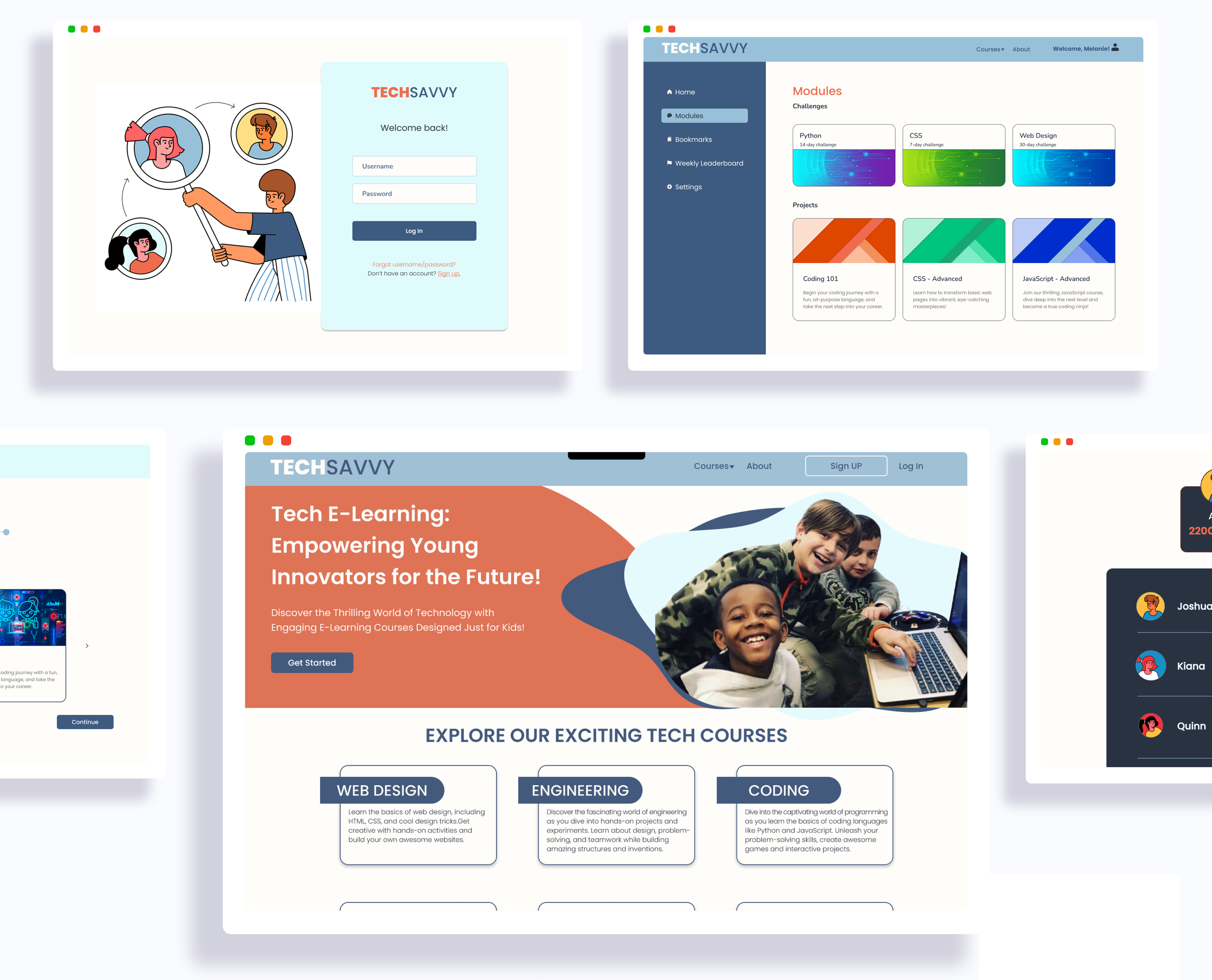
A gamified learning platform with interactive educational resources as a way for preteens to easily learn technological skills.
Overview
TechSavvy was developed to address digital inequity and the challenges faced by lower-income individuals and minority communities in accessing and utilizing digital tools and technology.
According to the U.S. Department of Education, the pandemic further highlighted these disparities, with 87% of public schools reporting negative impacts on K-12 students. Distance learning poses additional difficulties for certain student groups, including young children, students with disabilities, and English learners.
Research has shown that computer coding enhances computational thinking, problem-solving, metacognition, creativity, and digital literacy. Through interactive missions and lessons, students can apply their skills practically and concretely.
Research
Competitive Analysis
In our initial research, we conducted a feature inventory from 4 direct competitors, IXL Learning, Khan Academy, Code Ninjas, and Tynker. Our competitors’ platforms are engaging, gamified, and educationally fun, however they did cost money and we specifically wanted to make TechSavvy free and accessible to everyone.


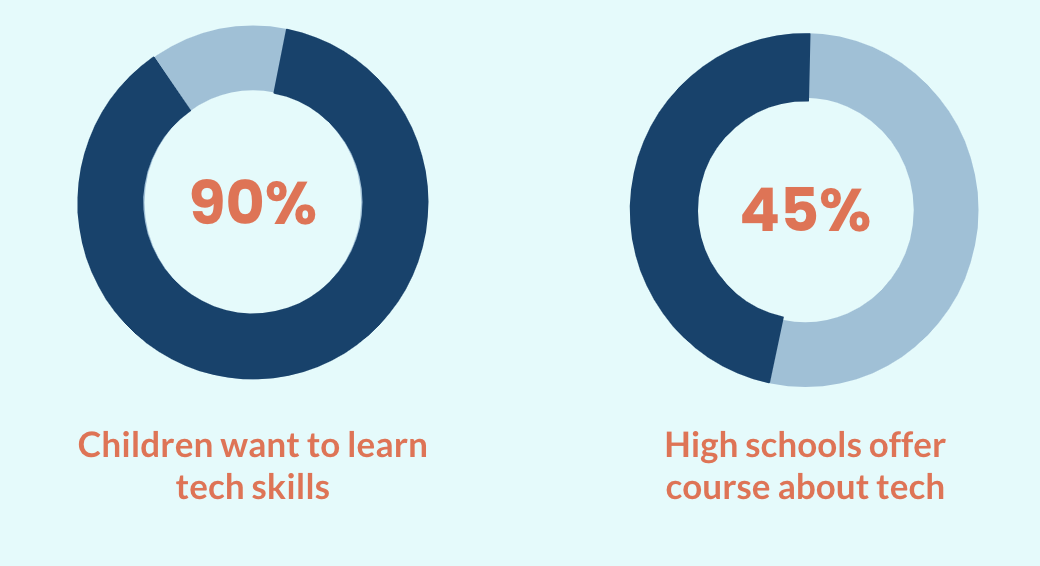
We conducted 9 user interviews with children between the ages of 7-13 and we learned that kids want to learn tech for fun. They find it entertaining, but learning online can be frustrating with heavy text, limited visuals, and long-winded directions. Their goals were to get all of the different skills you can learn in tech and build a career from it while also having fun.
Interviews
MVP Features
Learn tech through interactivity and videos
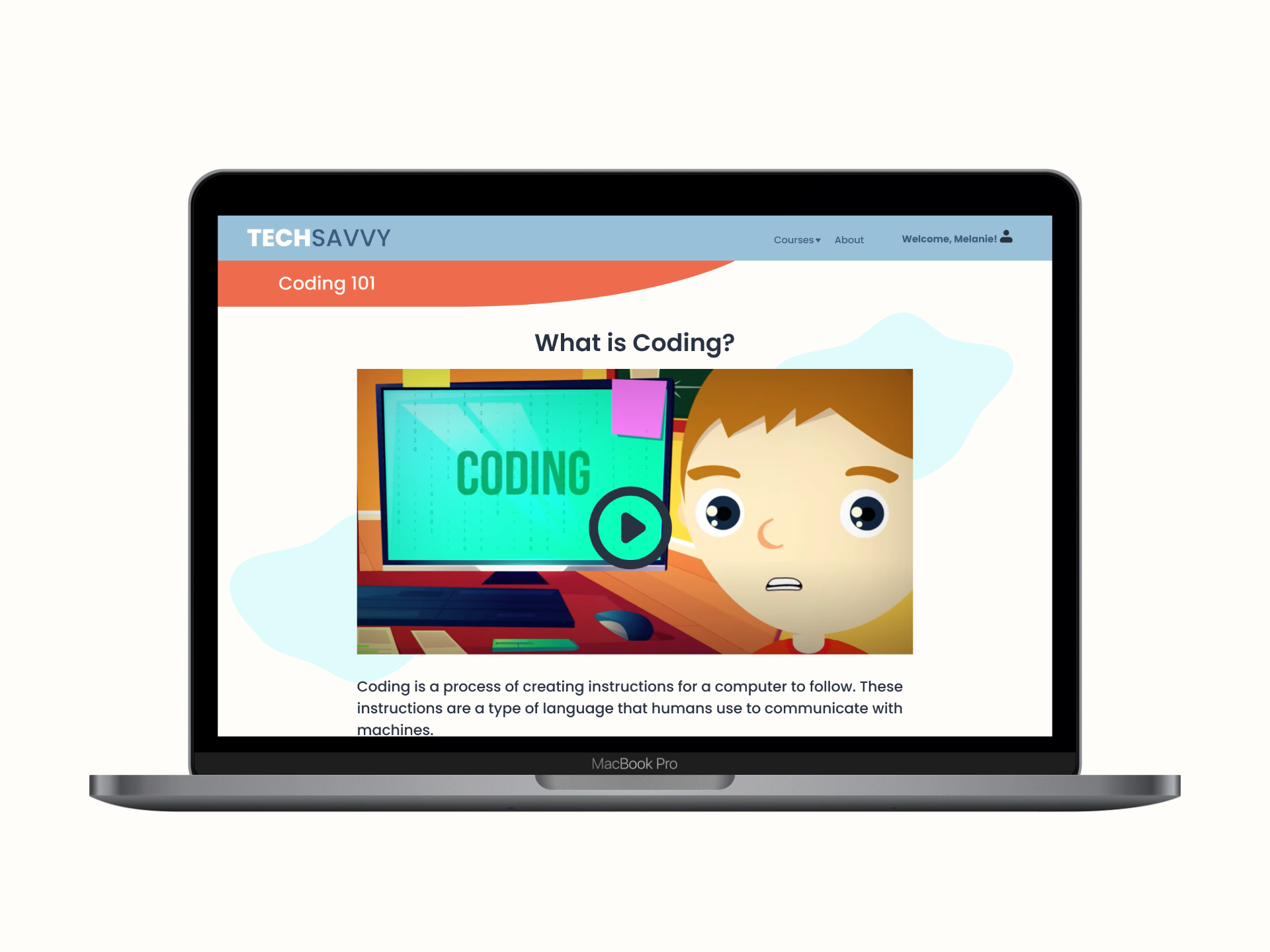
TechSavvy offers courses such as ‘Coding 101’ all the way to ‘Advanced CSS’. Users will learn a lesson where they will watch a video and read a brief excerpt about the topic.
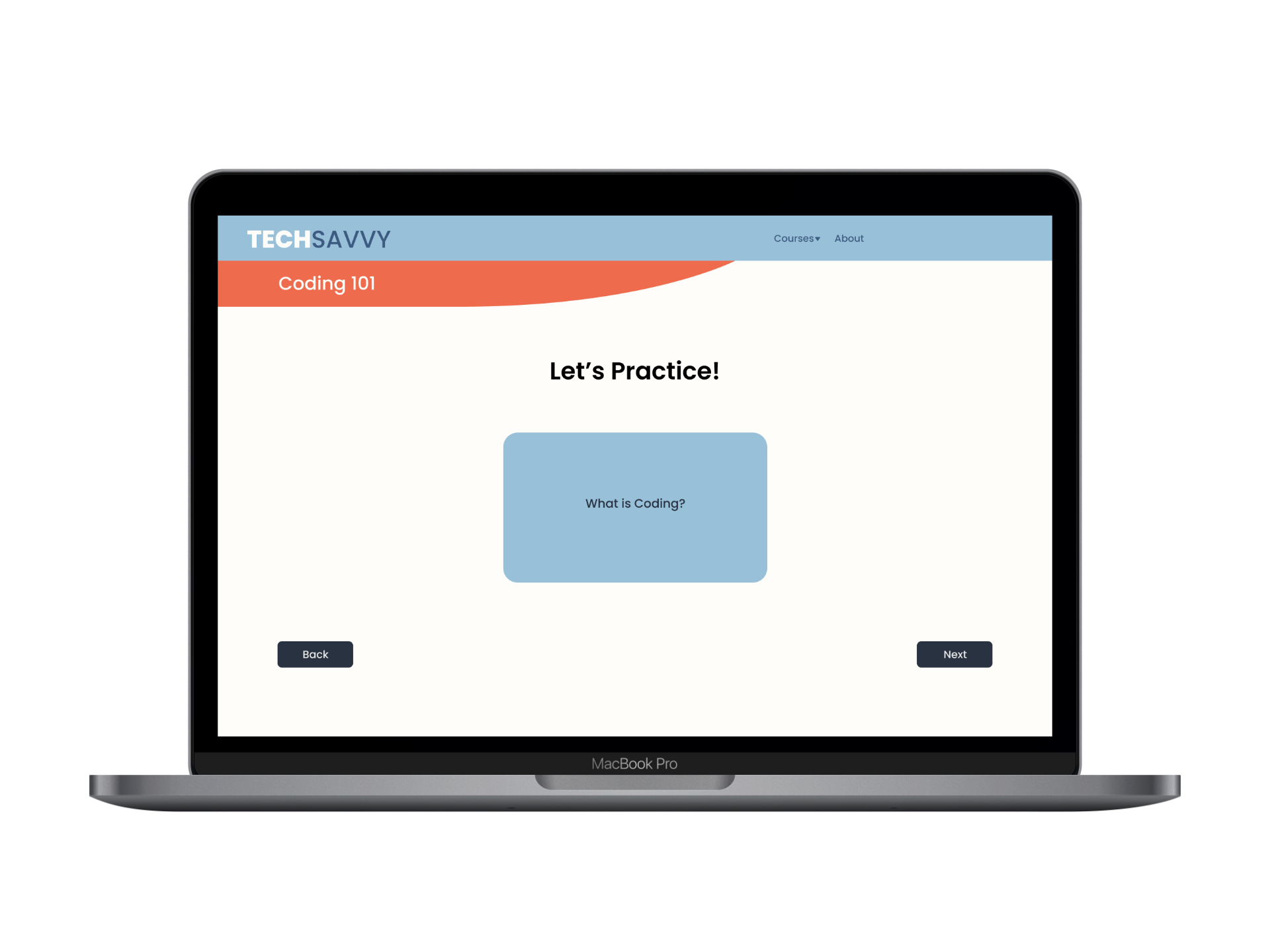
Review lessons with flashcard games
Users can freshen up on certain topics with curated flashcard games. We wanted to incorporate opportunities for users to go back and relearn concepts and ideas from previous lessons without having to go through the entire lesson.
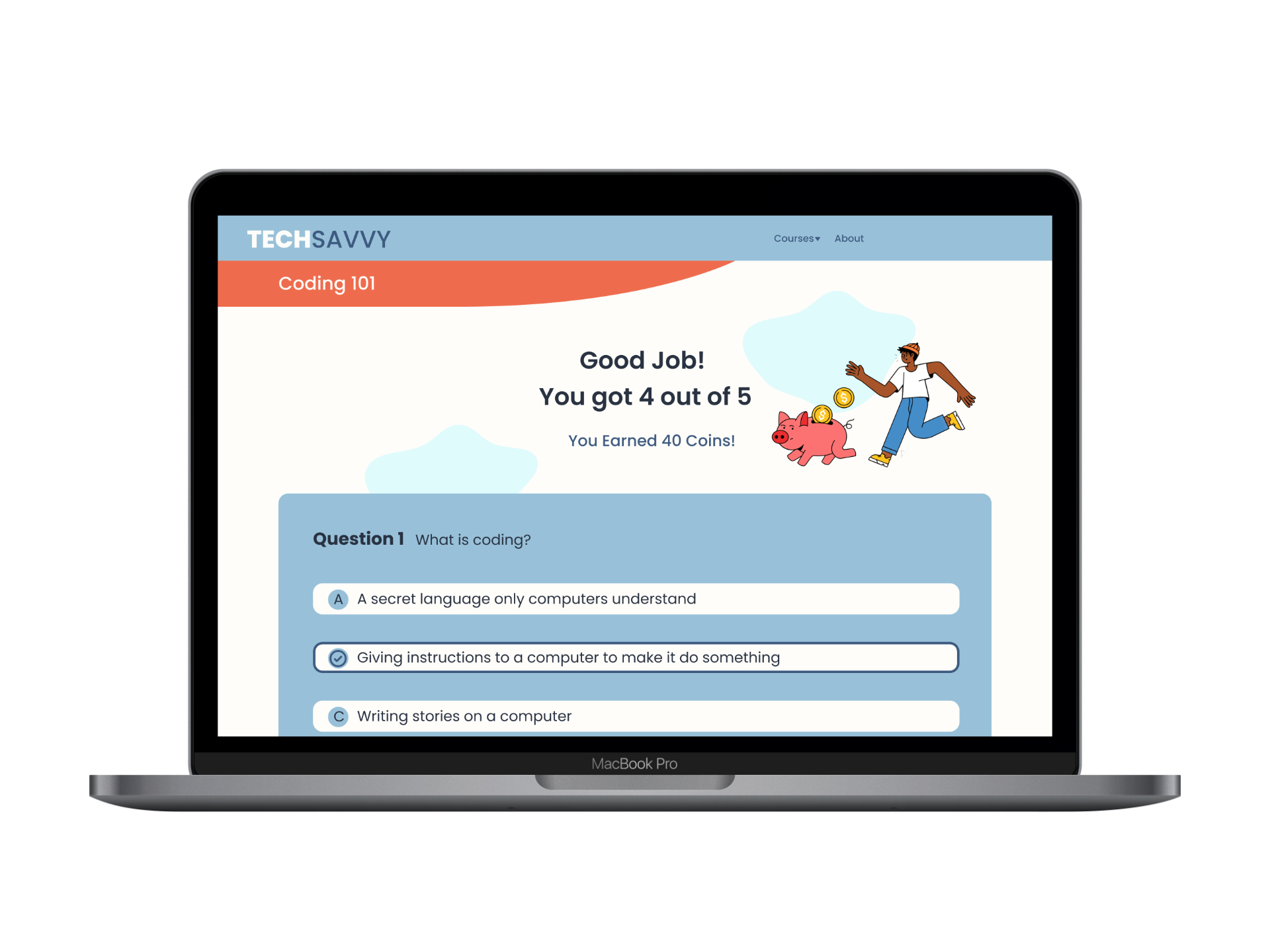
Test your knowledge
At the end of each lesson, users can test their knowledge of the previously learned material through short quizzes. Users can earn coins through correct answers on the quiz and can compare scores with friends/classmates through a leaderboard.
Design Evolution
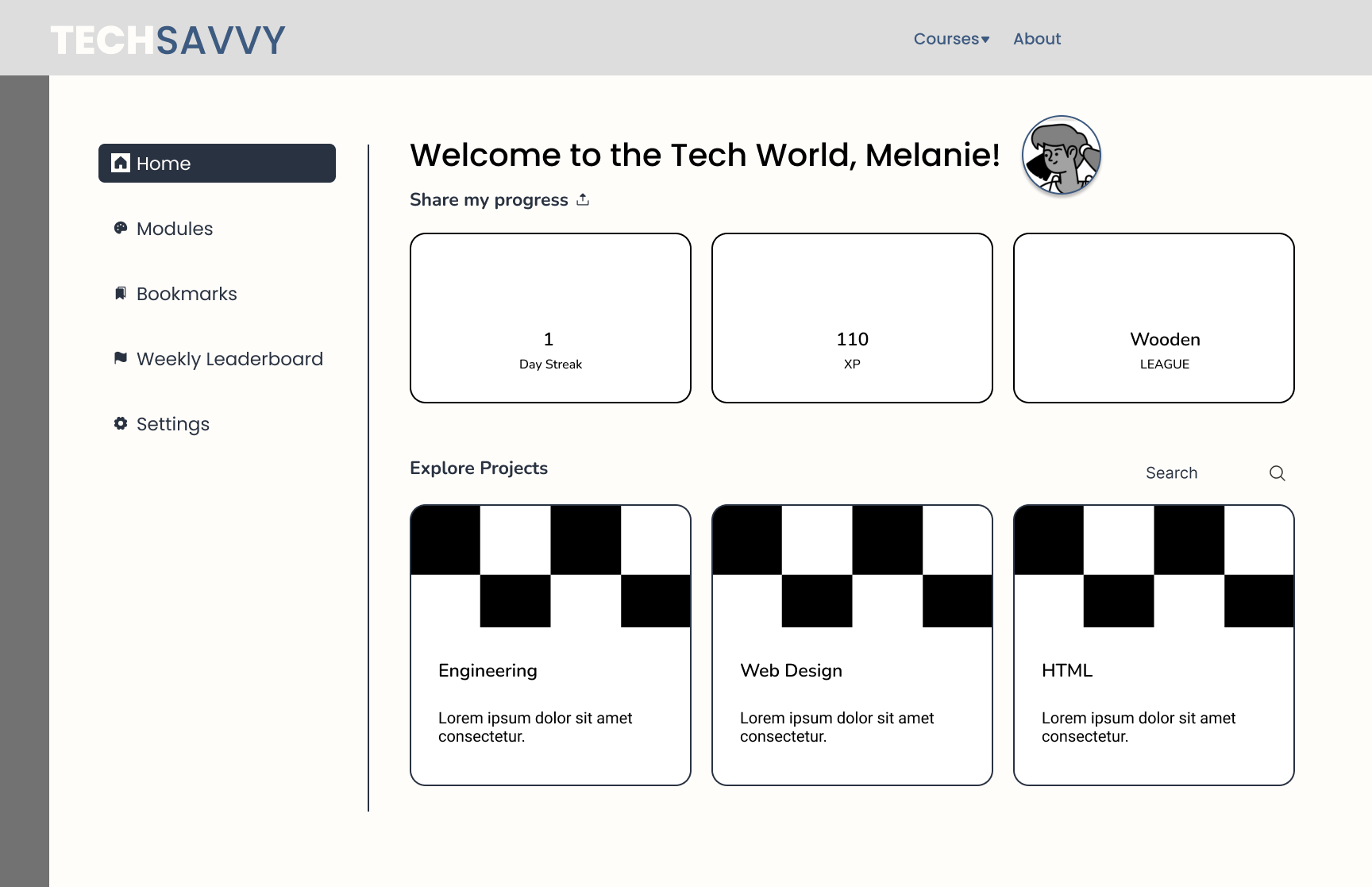
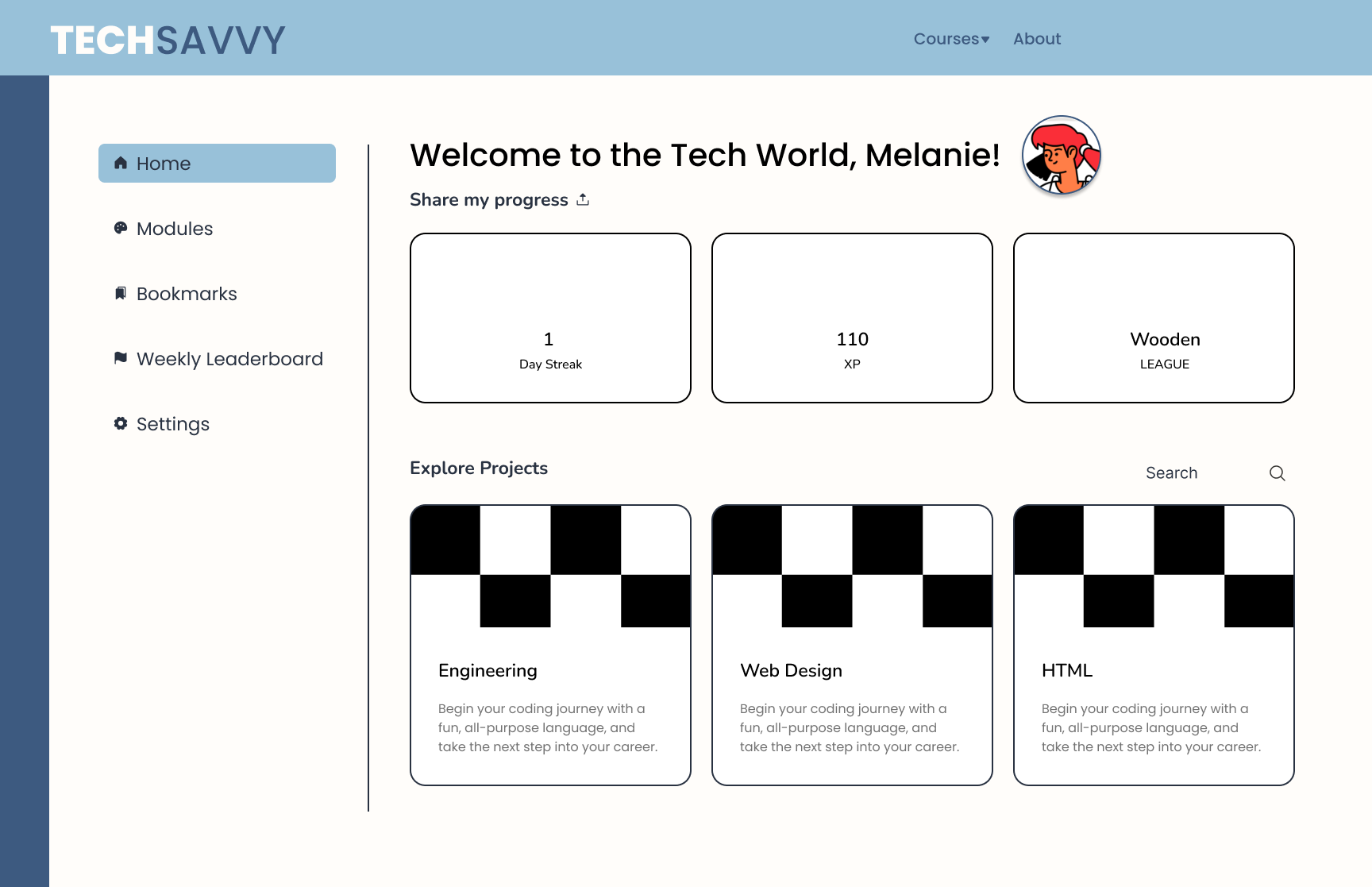
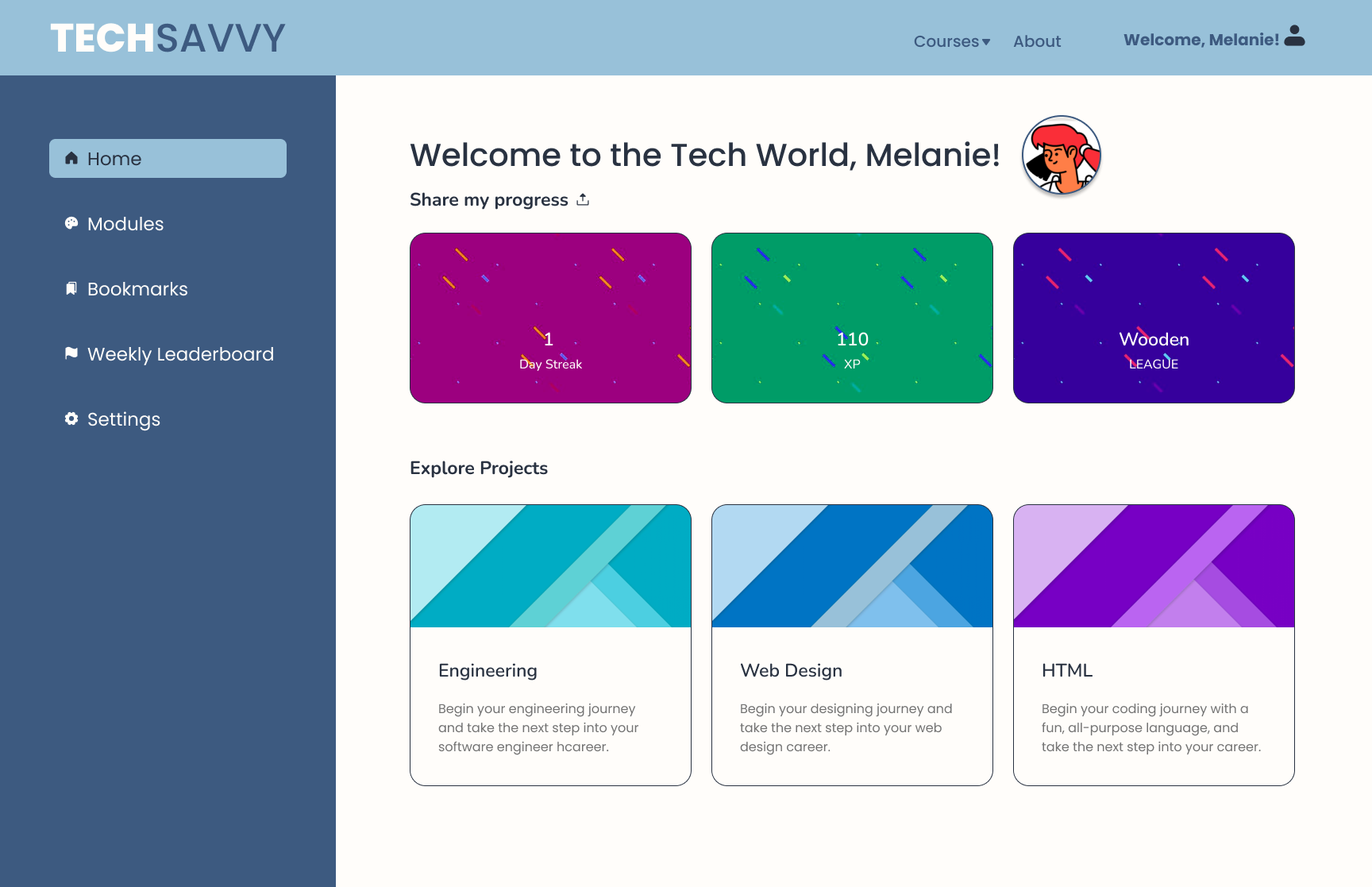
Our team conducted a design studio to get some initial ideas on how we wanted our product to look like and the feeling we wanted to convey through our branding.
Because our target audience is children, we chose vibrant colors such as light blue and orange, and to balance out the colors, we went for a deeper blue tone as well.
Final Design
This project was my first hackathon as well as my first time working alongside engineers. I learned throughout this process that communication and collaboration are key to a successful product.
One of the biggest takeaways was being able to compromise as a UX designer, when a certain feature cannot be implemented by engineers. This came up a handful of times during our design studio session and allowed for clear communication and expectations between designers and engineers, and that led to a great learning experience!